Node.js OS Module Explained: Complete Beginner Guide
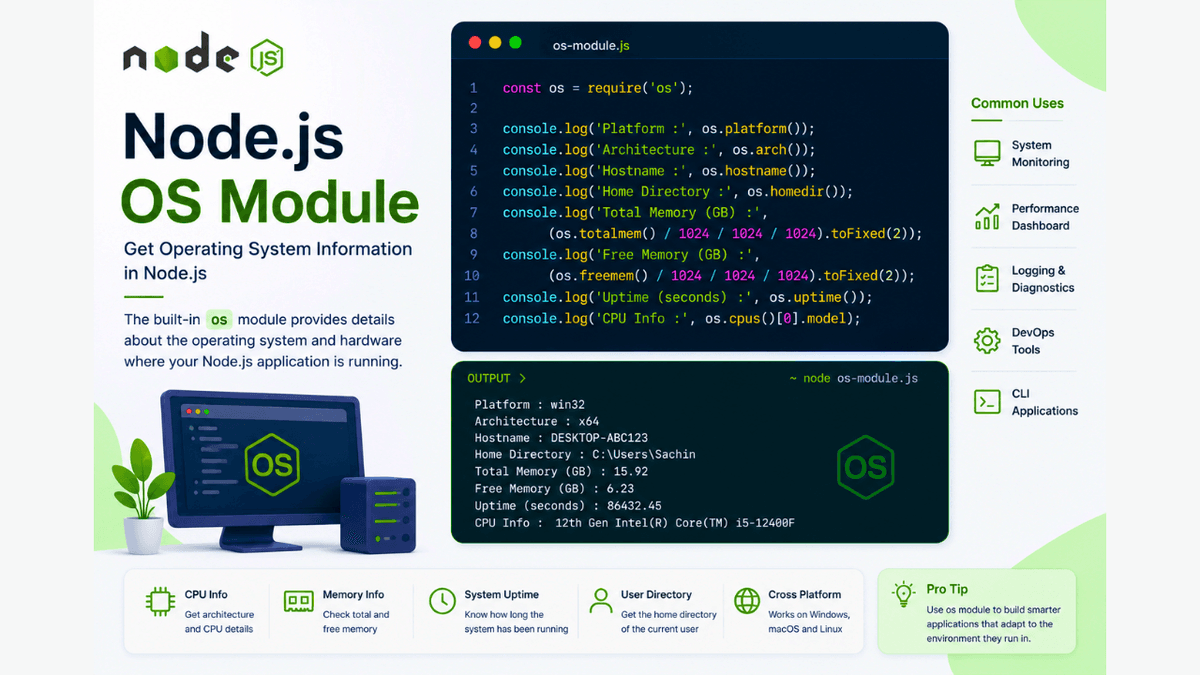
Learn how to use the Node.js os module to get operating system information, CPU details, memory usage, hostname, uptime, and more with practical examples.
Node.js OS Module Explained: Get Operating System Information
When building backend applications, it's often useful to know information about the system where your application is running.
For example, you might want to know the operating system, CPU architecture, available memory, hostname, or the user's home directory.
Node.js provides the OS ( os ) module , which gives access to this system information through a simple API.
In this guide, you'll learn what the Node.js OS module is, why it's useful, and how to use its most important methods with practical examples.
Prerequisites
Before reading this guide, make sure you've completed:
What Is the OS Module?
The OS ( os ) module is a built-in Node.js module that provides information about the operating system on which your Node.js application is running.
It is included with Node.js, so no installation is required.
Import it like this:
const os = require("os");
Why Use the OS Module?
The os module allows you to:
- Detect the operating system
- Check CPU architecture
- Get available memory
- View total memory
- Retrieve the hostname
- Find the user's home directory
- Get system uptime
- View CPU information
These features are useful for diagnostics, monitoring, and backend tools.
Common OS Module Methods
Get the Operating System
  const os = require("os");

console.log(os.platform());
Example output:
win32
Possible values include:
- win32
- linux
- darwin (macOS)
Get CPU Architecture
console.log(os.arch());
Example output:
x64
Get Hostname
console.log(os.hostname());
Example output:
DESKTOP-ABC123
Get Home Directory
console.log(os.homedir());
Example output:
C:\Users\Sachin
Get Total Memory
console.log(os.totalmem());
The value is returned in bytes.
To display memory in gigabytes:
  const totalMemory =
  os.totalmem() / 1024 / 1024 / 1024;

console.log(
  totalMemory.toFixed(2) + " GB"
);
Get Free Memory
console.log(os.freemem());
This helps monitor available RAM.
Get System Uptime
console.log(os.uptime());
The result is returned in seconds.
Get CPU Information
console.log(os.cpus());
This returns an array containing information about every CPU core.
Commonly Used Methods
| Method | Purpose |
|---|---|
platform() | Operating system |
arch() | CPU architecture |
hostname() | Computer name |
homedir() | User's home directory |
totalmem() | Total RAM |
freemem() | Available RAM |
uptime() | System uptime |
cpus() | CPU details |
These methods cover most day-to-day use cases.
Real-World Use Cases
The OS module is useful for:
- Server monitoring
- Performance dashboards
- Logging system information
- Deployment scripts
- System diagnostics
- Command-line tools
Many DevOps and backend utilities rely on this information.
Common Beginner Mistakes
Forgetting to Import the Module
Always start with:
const os = require("os");
Assuming Memory Is Returned in GB
Methods like totalmem() and freemem() return bytes .
Convert the values to MB or GB for readability.
Expecting the Same Output Everywhere
The results depend on the operating system and hardware where the application is running.
Best Practices
- Use the OS module only when system information is required.
- Convert memory values into readable units.
- Avoid exposing sensitive system information in public APIs.
- Use system details for monitoring and debugging rather than user-facing features.
Practice Exercises
Build these small utilities:
- System Information Viewer
- RAM Usage Monitor
- CPU Information Tool
- Uptime Checker
- Hostname Display CLI
These projects help you understand how to interact with the operating system.
Production Tip
System information is often used in logging, health checks, monitoring dashboards, and deployment scripts.
Avoid sending detailed OS information to clients unless it's absolutely necessary, as it may expose sensitive environment details.
Why the OS Module Matters
The Node.js OS module gives your application awareness of the environment it's running in.
This information is valuable for monitoring, debugging, optimization, and building reliable backend systems.
Conclusion
The Node.js os module makes it easy to access important operating system information.
By learning its core methods, you'll be able to build smarter backend applications, monitoring tools, and command-line utilities while gaining a deeper understanding of the execution environment.