npm Explained: Complete Beginner Guide to Node Package Manager
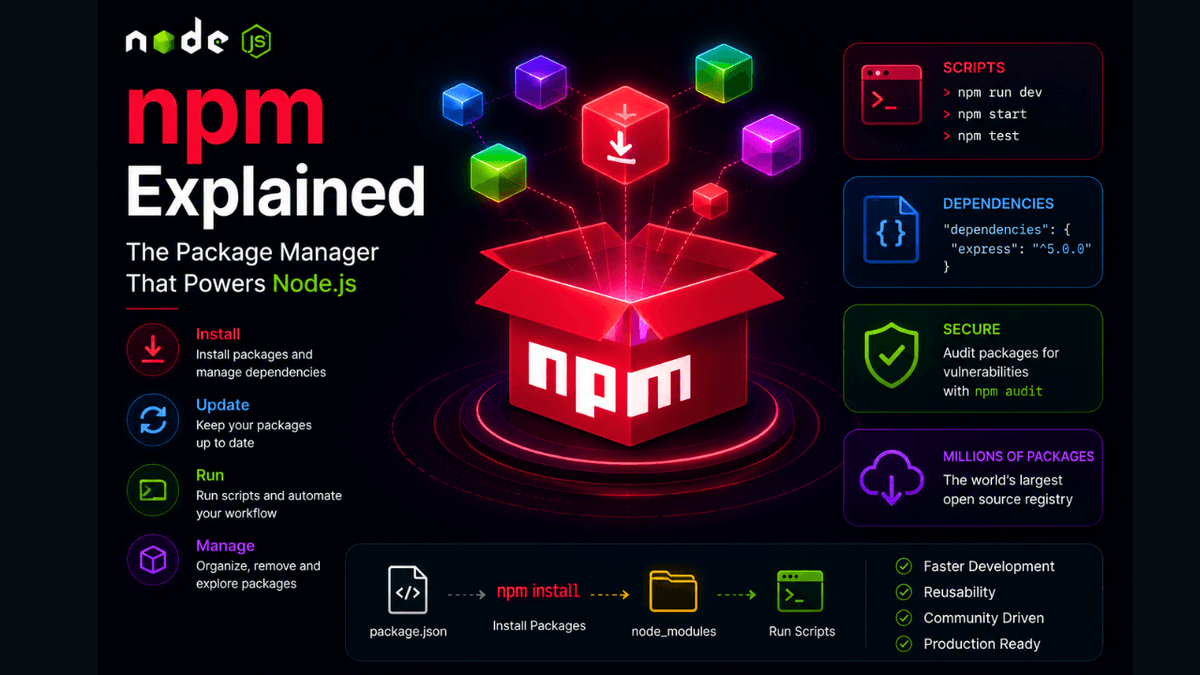
Learn what npm is, how to install packages, manage dependencies, run scripts, and understand node_modules and package-lock.json.
npm Explained: The Package Manager That Powers the Node.js Ecosystem
If package.json is the heart of a Node.js project, then npm is the engine that keeps it running.
npm allows developers to install packages, manage dependencies, run scripts, and share reusable code with millions of developers around the world.
Today, npm is the largest software package registry in the world.
In this guide, you'll learn what npm is, how it works, and the commands every Node.js developer should know.
Prerequisites
Before reading this guide, you should understand:
What Is npm?
npm stands for:
Node Package Manager
It comes pre-installed when you install Node.js.
npm has two major parts:
- The npm CLI (Command Line Interface)
- The npm Registry (a huge collection of open-source packages)
Together they make dependency management simple.
Why Do We Need npm?
Imagine building everything yourself:
- HTTP servers
- Authentication
- Validation
- Database drivers
- Logging systems
- File uploads
This would take years.
npm allows developers to reuse proven libraries instead of reinventing everything.
Check npm Version
npm -v
Example output:
11.0.0
Installing Packages
Install a package:
npm install express
Short version:
npm i express
This installs the package and updates package.json .
Installing Development Dependencies
Development tools should use:
npm install nodemon --save-dev
Short version:
npm i nodemon -D
These packages appear inside:
"devDependencies"
Installing Packages Globally
npm install -g nodemon
Global packages are available everywhere on your system.
Removing Packages
npm uninstall express
npm automatically updates package.json .
Updating Packages
npm update
Update a specific package:
npm update express
Running Scripts
Given:
  "scripts": {
  "dev": "nodemon server.js",
  "start": "node server.js"
}
Run:
npm run dev
Special scripts can omit run :
  npm start
npm test
package-lock.json
When npm installs packages, it creates:
package-lock.json
This file ensures every developer installs the exact same dependency versions.
Always commit it to Git.
node_modules
Installed packages live inside:
node_modules/
This folder can become very large.
Never commit it to Git.
Add:
node_modules
to:
.gitignore
Useful npm Commands
| Command | Purpose |
|---|---|
npm init | Create package.json |
npm install | Install dependencies |
npm uninstall | Remove package |
npm update | Update dependencies |
npm run | Run scripts |
npm list | Show installed packages |
Real-World Use Cases
npm is used for:
- Installing Express
- Installing React
- Installing Next.js
- Running build scripts
- Running tests
- Managing dependencies
Every Node.js project uses npm.
Common Beginner Mistakes
Committing node_modules
Never push node_modules to GitHub.
Ignoring package-lock.json
Always commit lock files.
Installing Everything Globally
Prefer local dependencies for project packages.
Best Practices
- Keep dependencies updated.
- Remove unused packages.
- Use
devDependenciescorrectly. - Commit
package-lock.json. - Audit packages regularly.
Production Tip
Before deploying applications, run:
npm audit
This checks dependencies for known security vulnerabilities.
Why npm Matters
The modern JavaScript ecosystem would not exist without npm.
It allows developers to build applications faster by leveraging community packages and tools.
Conclusion
npm is more than a package installer.
It's the foundation of the Node.js ecosystem and one of the most important tools every JavaScript developer must master.