How to Read and Write Files in Node.js
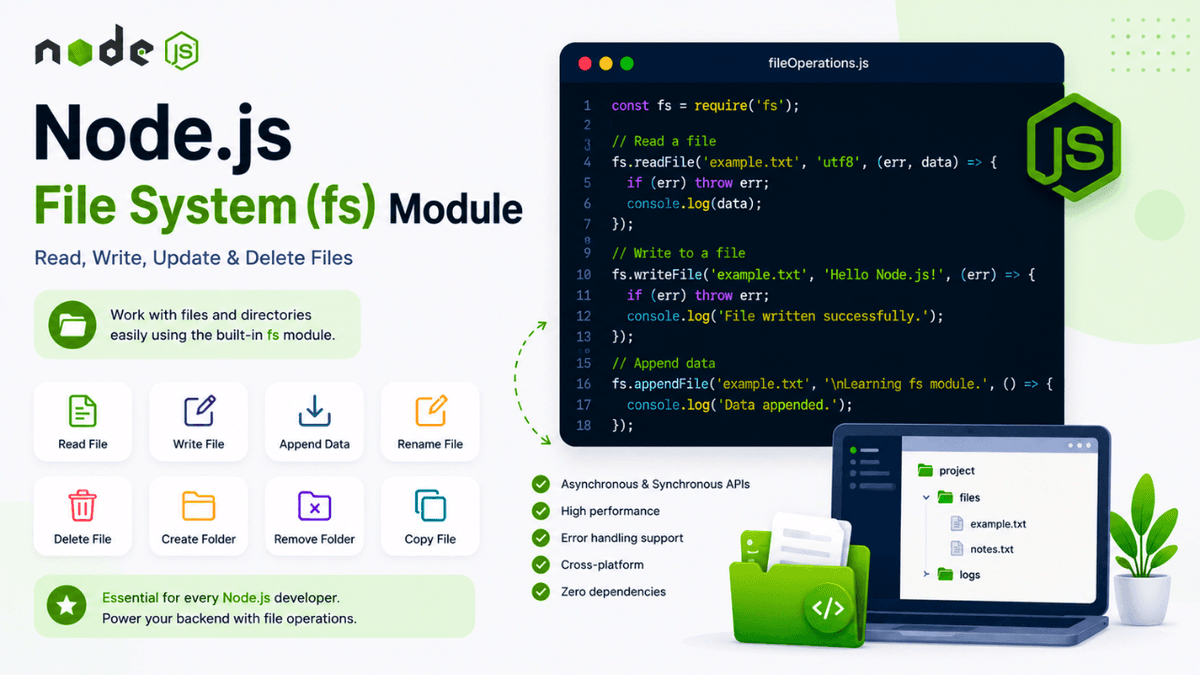
Learn how to use the Node.js File System (fs) module to read, write, update, delete, rename, and manage files with practical examples and best practices.
Node.js File System (fs) Module Explained: Read, Write, Update & Delete Files
Working with files is one of the most common tasks in backend development.
Whether you're saving user uploads, generating reports, reading configuration files, or storing logs, you'll interact with the file system.
Node.js provides the File System ( fs ) module , which makes working with files and directories simple and efficient.
In this guide, you'll learn what the fs module is, how to use it, and the most common file operations you'll perform in real-world Node.js applications.
Prerequisites
Before continuing, make sure you've completed:
What Is the File System Module?
The File System ( fs ) module is a built-in Node.js module used to interact with files and directories.
Because it's built into Node.js, you don't need to install it.
Import it like this:
const fs = require("fs");
Why Use the fs Module?
The fs module lets you:
- Create files
- Read files
- Write files
- Update files
- Delete files
- Rename files
- Copy files
- Create folders
- Delete folders
These operations are essential in almost every backend application.
Common File Operations
Read a File
  const fs = require("fs");

fs.readFile(
  "example.txt",
  "utf8",
  (err, data) => {
    if (err) {
      console.error(err);
      return;
    }

    console.log(data);
  }
);
This reads the file asynchronously.
Write to a File
  fs.writeFile(
  "example.txt",
  "Hello Node.js!",
  (err) => {
    if (err) {
      console.error(err);
      return;
    }

    console.log("File created.");
  }
);
If the file doesn't exist, Node.js creates it automatically.
Append Data
  fs.appendFile(
  "example.txt",
  "\nLearning the fs module.",
  (err) => {
    if (err) {
      console.error(err);
    }
  }
);
This adds content without replacing existing data.
Rename a File
  fs.rename(
  "example.txt",
  "notes.txt",
  (err) => {
    if (err) {
      console.error(err);
    }
  }
);
Delete a File
  fs.unlink(
  "notes.txt",
  (err) => {
    if (err) {
      console.error(err);
    }
  }
);
Create a Folder
  fs.mkdir(
  "uploads",
  (err) => {
    if (err) {
      console.error(err);
    }
  }
);
Remove a Folder
  fs.rmdir(
  "uploads",
  (err) => {
    if (err) {
      console.error(err);
    }
  }
);
For newer Node.js versions,
fs.rm()is generally preferred for removing directories, especially when deleting non-empty folders.
Synchronous vs Asynchronous Methods
The fs module provides both synchronous and asynchronous APIs.
Asynchronous
fs.readFile(...)
- Non-blocking
- Better performance
- Recommended for production
Synchronous
fs.readFileSync(...)
- Blocks execution
- Simpler for scripts
- Useful in some CLI tools
In production applications, asynchronous methods are generally preferred.
Understanding the Workflow
  Import fs

↓

Choose Operation

↓

Read / Write / Update / Delete

↓

Handle Success or Error

↓

Continue Application
Common Beginner Mistakes
Forgetting Error Handling
Always check for errors before using the returned data.
Wrong File Path
Incorrect paths are one of the most common causes of file system errors.
Using Sync Methods in APIs
Blocking methods can slow down server performance.
Prefer asynchronous methods in web servers.
Real-World Use Cases
The fs module is commonly used for:
- Uploading files
- Reading configuration files
- Saving logs
- Generating reports
- Exporting CSV files
- Reading JSON data
- Managing images
- Working with PDFs
Best Practices
- Use asynchronous methods whenever possible.
- Handle file errors gracefully.
- Keep file paths organized.
- Avoid blocking operations in production.
- Validate user input before accessing files.
Practice Exercises
Build these mini-projects:
- Text File Reader
- Notes Saver
- File Copy Tool
- Simple Log Generator
- Folder Creator
These projects help reinforce file system operations.
Production Tip
Instead of placing all file operations directly inside route handlers, professional developers usually create dedicated utility or service files to keep code modular and easier to maintain.
Why the fs Module Matters
The File System module is one of the core building blocks of Node.js.
Understanding how to manage files efficiently prepares you for handling uploads, generating reports, processing documents, and building real-world backend applications.
Conclusion
The Node.js fs module provides everything you need to work with files and directories.
By learning its common methods and following best practices, you'll be able to build faster, cleaner, and more reliable backend applications.