Environment Variables in Node.js Explained: Complete Guide
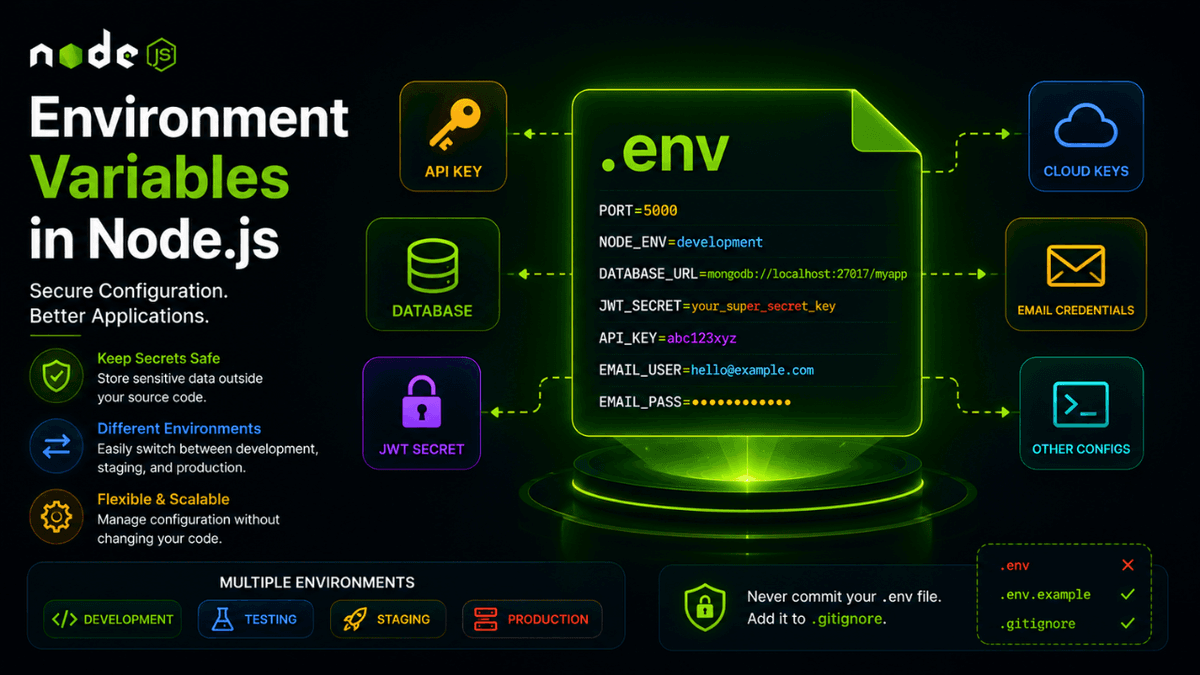
Learn how to use environment variables in Node.js with process.env and dotenv, manage secrets securely, and follow production best practices.
Environment Variables in Node.js Explained: Secure Configuration Management
Hardcoding API keys, database URLs, and secrets directly into your application is one of the biggest mistakes a developer can make.
Node.js solves this problem with Environment Variables .
Environment variables allow applications to store configuration values outside the source code, making applications more secure, flexible, and easier to deploy.
In this guide, you'll learn what environment variables are, why they matter, and how to use them in production-ready Node.js applications.
Prerequisites
Before reading this guide, you should understand:
What Are Environment Variables?
Environment variables are values provided by the operating system or deployment environment that your application can access at runtime.
Examples include:
- Database connection strings
- API keys
- JWT secrets
- Email credentials
- Application ports
- Feature flags
Instead of storing these values in your code, you store them separately.
Why Use Environment Variables?
Environment variables help you:
- Protect sensitive information
- Separate code from configuration
- Easily switch between environments
- Simplify deployments
- Improve security
This is considered a production best practice.
Accessing Environment Variables
Node.js exposes environment variables through:
process.env
Example:
console.log(process.env.NODE_ENV);
Output:
development
Creating a .env File
Example:
  PORT=5000
DATABASE_URL=mongodb://localhost:27017/myapp
JWT_SECRET=my_super_secret_key
API_KEY=abc123xyz
Loading Environment Variables
Install dotenv:
npm install dotenv
Load it:
  require("dotenv").config();

console.log(process.env.PORT);
Output:
5000
Example Express Server
  require("dotenv").config();

const express = require("express");

const app = express();

const PORT = process.env.PORT || 3000;

app.listen(PORT, () => {
  console.log(`Server running on port ${PORT}`);
});
Multiple Environments
Common environments include:
  development
testing
staging
production
Example:
  if (process.env.NODE_ENV === "production") {
  // production logic
}
.env.example
A common practice is creating:
  PORT=
DATABASE_URL=
JWT_SECRET=
API_KEY=
This helps other developers know which variables are required.
.gitignore
Never commit .env files.
Always add:
.env
to:
.gitignore
Real-World Use Cases
Environment variables are used for:
- MongoDB connection strings
- JWT secrets
- Stripe keys
- Cloudinary credentials
- AWS credentials
- Email providers
- OAuth providers
Every production application uses them.
Common Beginner Mistakes
Committing Secrets to GitHub
Never push:
- API keys
- Database passwords
- Secret tokens
to public repositories.
Using Default Secrets in Production
Avoid:
JWT_SECRET=123456
Use long, random secrets.
Forgetting Validation
Validate required variables during application startup.
Best Practices
- Store secrets in
.env. - Use
.env.example. - Validate required variables.
- Use different values for each environment.
- Rotate secrets periodically.
Production Tip
Platforms like:
- Docker
- Vercel
- Railway
- Render
- AWS
- DigitalOcean
provide secure ways to manage environment variables without using .env files directly.
Why Environment Variables Matter
Environment variables separate configuration from code.
This makes applications safer, easier to deploy, and easier to maintain.
Conclusion
Environment variables are one of the most important concepts in backend development.
By using process.env correctly, you'll build more secure and production-ready Node.js applications.