Node Package Execute Explained
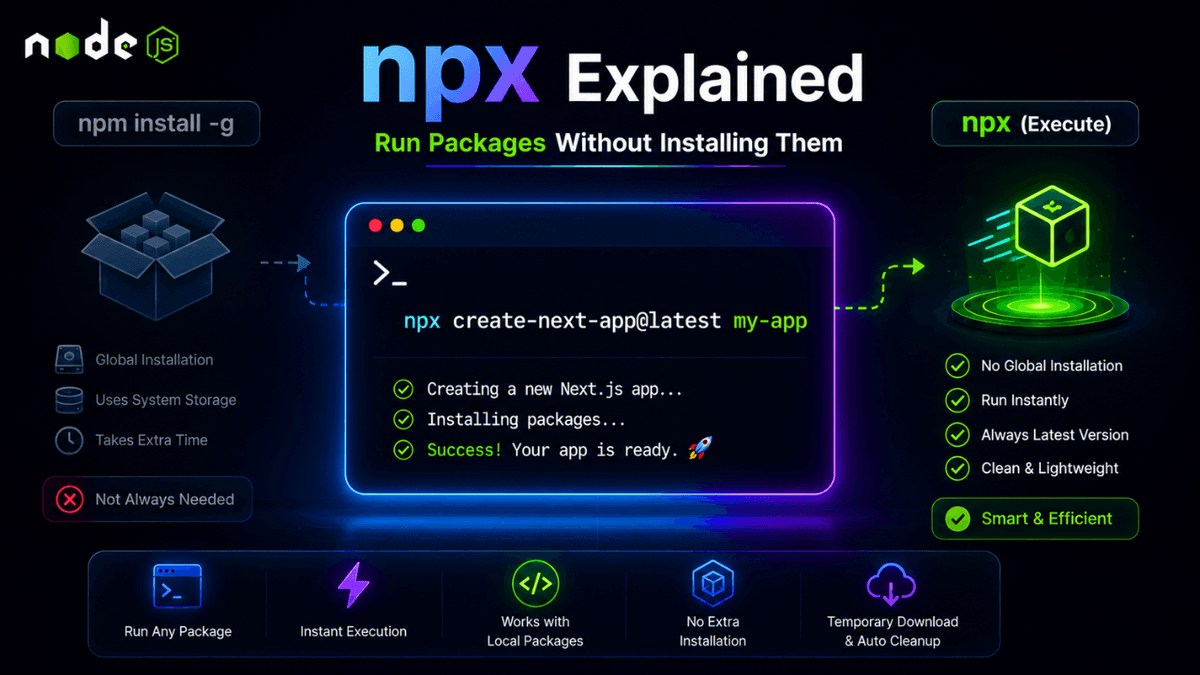
Learn what npx is, how it differs from npm, and how to run packages without global installation using practical examples.
npx Explained: Run Node.js Packages Without Global Installation
If npm installs packages, then what exactly does npx do?
Many beginners confuse npm and npx , but they solve different problems.
npm installs packages.
npx executes packages.
Understanding the difference will help you avoid unnecessary global installations and keep your development environment clean.
What Is npx?
npx stands for:
Node Package Execute
It comes bundled with modern versions of npm.
Instead of installing a package globally, npx downloads it temporarily, executes it, and removes it when finished.
Why Use npx?
npx helps you:
- Run packages instantly
- Avoid global installations
- Always use the latest package version
- Execute project-local packages easily
- Keep your machine clean
npm vs npx
| Feature | npm | npx |
|---|---|---|
| Install packages | ✅ | ❌ |
| Execute packages | ❌ | ✅ |
| Requires installation | Usually yes | Usually no |
| Best for | Dependencies | CLI tools |
Using npx
Create a React App
Instead of:
  npm install -g create-react-app
create-react-app my-app
Use:
npx create-react-app my-app
The package runs immediately without global installation.
Create a Next.js Project
npx create-next-app@latest
This is one of the most common uses of npx.
Run Local Packages
Suppose your project contains:
node_modules/.bin/eslint
Instead of:
./node_modules/.bin/eslint .
Use:
npx eslint .
Much cleaner.
Using Specific Versions
npx cowsay@1.5.0 "Hello Developer"
This runs a specific package version without installation.
Common Real-World Examples
npx prisma init
npx tailwindcss init -p
npx shadcn@latest init
npx create-next-app@latest
Modern JavaScript development relies heavily on npx.
Common Beginner Mistakes
Installing CLI Tools Globally
Many CLI tools only need to run once.
Using npx avoids unnecessary global packages.
Confusing npm and npx
Remember:
- npm → install
- npx → execute
Forgetting Version Control
When tutorials use:
npx create-next-app@latest
the @latest ensures the newest version is used.
Best Practices
- Use npx for project generators.
- Avoid unnecessary global packages.
- Use version pinning when reproducibility matters.
- Prefer local dependencies over global installations.
Production Tip
Large teams often avoid global package installations entirely to ensure every developer uses the exact same tool versions.
npx makes this workflow simple and reproducible.
Why npx Matters
npx simplified the JavaScript ecosystem by reducing global dependency pollution and improving reproducibility.
Today, it is one of the most commonly used commands in frontend and backend development.
Conclusion
npm installs packages.
npx executes packages.
Understanding the difference between the two is an important milestone in becoming a productive Node.js developer.