How to Build REST API with Node.js and Express
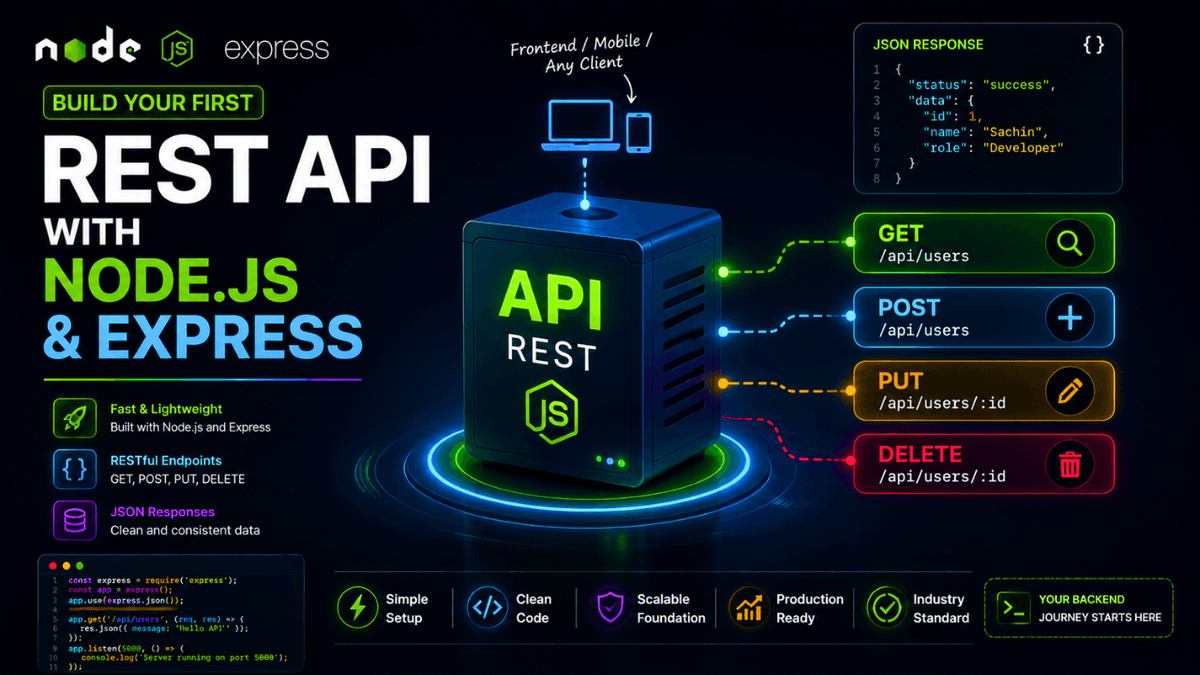
Learn how to build your first REST API using Node.js and Express, including routes, JSON responses, HTTP methods, and status codes.
Building Your First REST API with Node.js and Express
Learning Node.js is exciting, but eventually every developer asks:
How do I build an actual backend application?
The answer starts with a REST API .
REST APIs power:
- Mobile applications
- Web applications
- Dashboards
- SaaS products
- AI applications
- E-commerce platforms
In this guide, you'll build your first REST API using Node.js and Express.
What Is a REST API?
A REST API allows applications to communicate using HTTP requests.
For example:
| Method | Purpose |
|---|---|
| GET | Fetch data |
| POST | Create data |
| PUT | Update data |
| DELETE | Remove data |
These four methods form the foundation of most backend applications.
Step 1: Create a Project
Initialize a new project:
  mkdir first-api
cd first-api
npm init -y
Step 2: Install Express
npm install express
Step 3: Create server.js
  const express = require("express");

const app = express();

const PORT = 5000;

app.listen(PORT, () => {
  console.log(`Server running on port ${PORT}`);
});
Run:
node server.js
Output:
Server running on port 5000
Step 4: Create Your First Route
  app.get("/", (req, res) => {
  res.send("Hello API");
});
Visit:
http://localhost:5000
Response:
Hello API
Congratulations.
You just created your first API endpoint.
Step 5: Return JSON
Modern APIs usually return JSON.
  app.get("/api/users", (req, res) => {
  res.json([
    {
      id: 1,
      name: "Sachin"
    },
    {
      id: 2,
      name: "Developer"
    }
  ]);
});
Output:
  [
  {
    "id": 1,
    "name": "Sachin"
  },
  {
    "id": 2,
    "name": "Developer"
  }
]
Step 6: Handle POST Requests
Enable JSON parsing:
app.use(express.json());
Create a POST route:
  app.post("/api/users", (req, res) => {
  const user = req.body;

  res.status(201).json({
    message: "User created",
    user
  });
});
Step 7: Test Using Postman
Send:
POST /api/users
Body:
  {
  "name": "John"
}
Response:
  {
  "message": "User created",
  "user": {
    "name": "John"
  }
}
Common REST Status Codes
| Code | Meaning |
|---|---|
| 200 | Success |
| 201 | Created |
| 400 | Bad Request |
| 404 | Not Found |
| 500 | Server Error |
Why REST APIs Matter
REST APIs are the communication layer of modern applications.
Frontend applications, mobile apps, and external services all rely on them.
Best Practices
- Use meaningful routes.
- Return proper status codes.
- Validate input data.
- Keep responses consistent.
- Handle errors properly.
Conclusion
Building a REST API is the first major milestone in backend development.
From here, you'll start learning how professional backend systems are designed and scaled.